Importing Data From Other Browsers
Orion for macOS can import data from several web browsers and source files:
- Safari
- Google Chrome
- Firefox
- Brave
- Microsoft Edge
- Opera
- Arc
- 1Password
- LastPass
- Bookmarks HTML File
- Passwords CSV File
Orion for iOS and iPadOS cannot import data. But, it can sync data with Orion for macOS. So, you can do your data importing using Orion on a Mac and then sync your imported data to Orion on a iPhone or iPad.
Importing Data on macOS
- Click the File menu, click Import From, and click on a web browser or source file of your choosing.
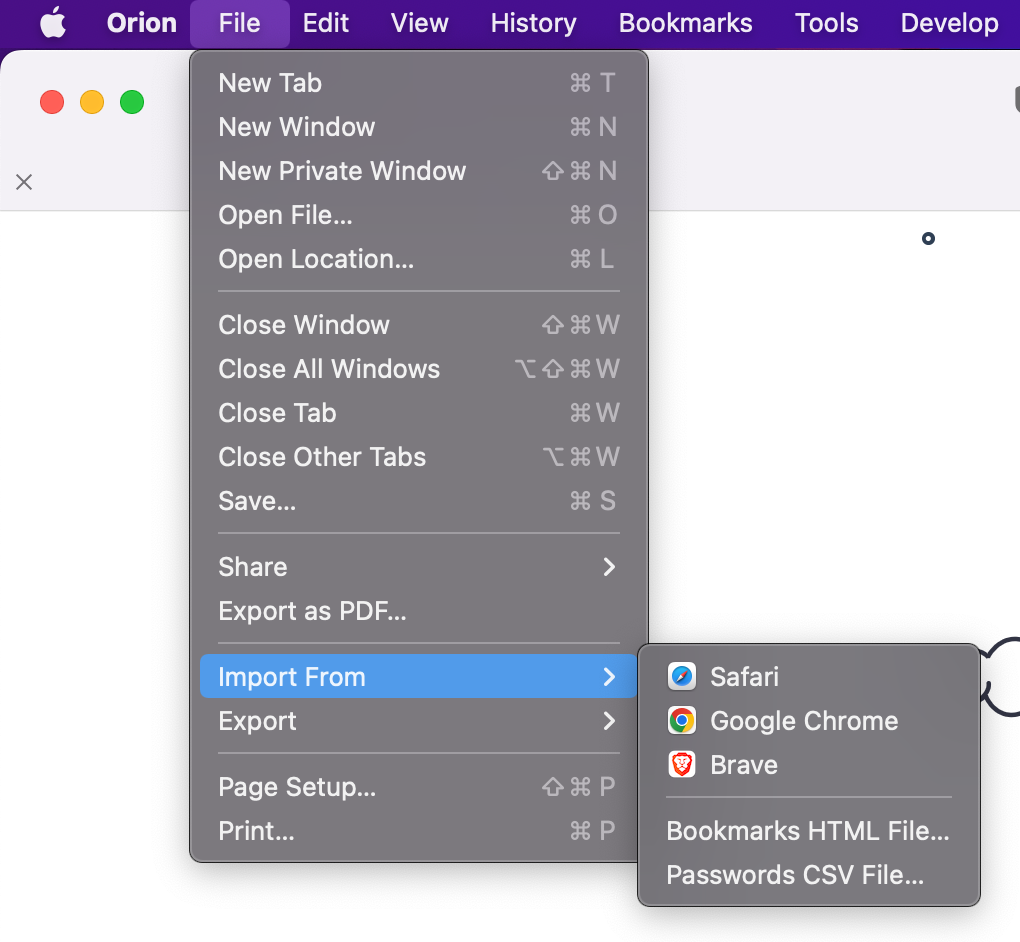
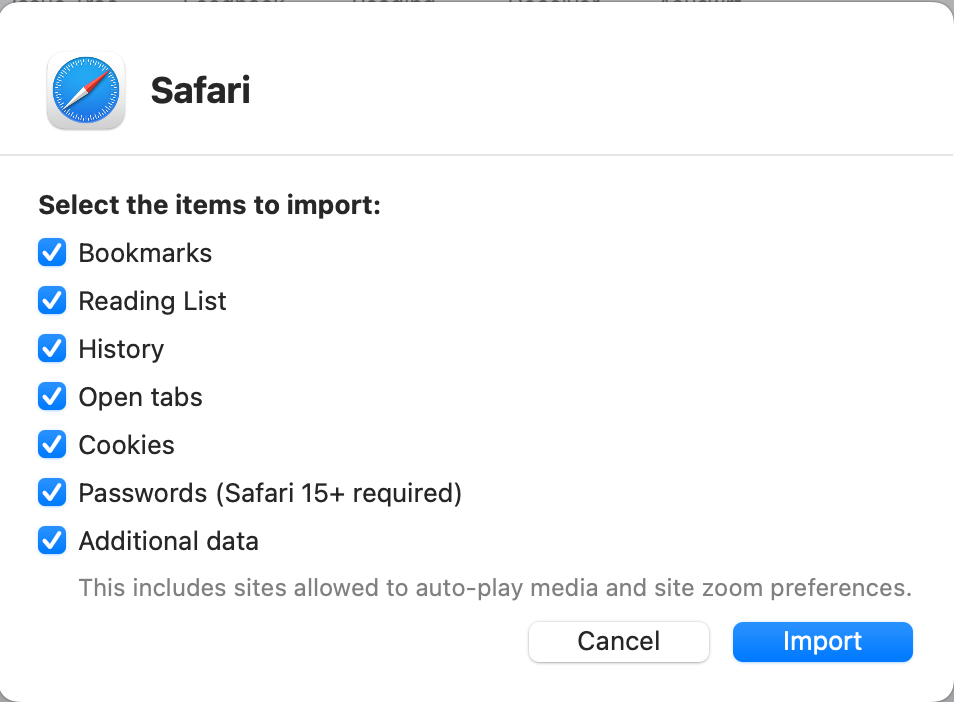
- The data that you can import will depend on your choice of web browser or source file.
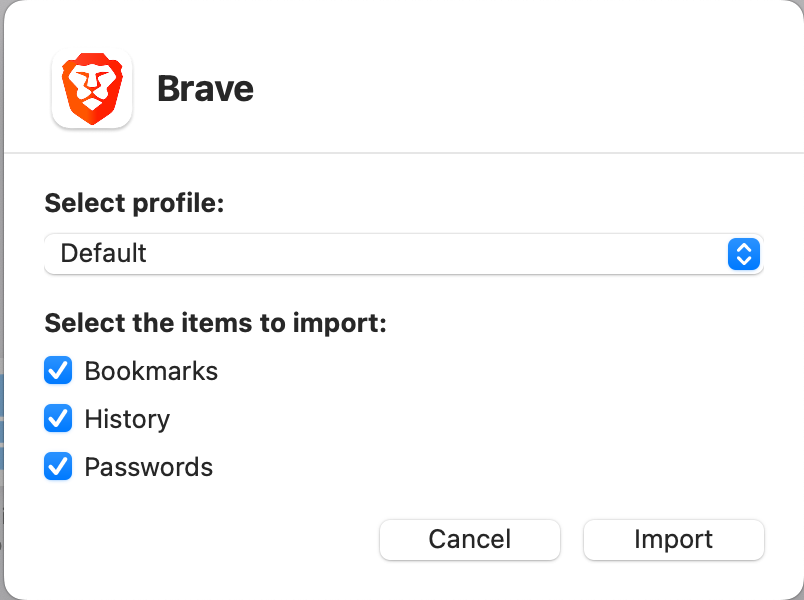
- Web browsers may allow you to choose a browser Profile to import from and will allow you to choose the specific browser data that you wish to import.
- Bookmarks HTML Files and Passwords CSV Files will need to you to choose a specific file in the appropriate format from your file system,
- Click the Import button for web browser imports or the Open button for file imports.
Safari Import
Google Chrome Import

Brave Import